
Danica has regular office time on both campuses in CCAC 4107 and Martin Hall 108B. If you prefer an in person appointment, pay attention to the location in Handshake.

During the fall and spring semester (in coordination with class schedules), every Wednesday is “Walk-in-Wednesday." You can utilize “walk-in” time for a last-minute question about an application, a quick refresher from a previous meeting with the CCAM Career Hub team, a resume review, or a consult about a job application or job offer (think: what can be covered in 15-20 minutes?). For practice interviews and career exploration, it is best to make an appointment ahead of time.

Appointment Types

Subhead goes here.

Career/Major Exploration

Unsure about your major or need some help figuring out what career to pursue with that major? Make an appointment to research your options.

Document Review

Resume, CV, Cover Letter, Bio, Personal Statement, etc.

Need a resume to apply for an internship or job? Have your resume, cover letter or other documents reviewed by a career development professional. CVs and personal statements may take more than one appointment.

Internship & Job Search:

Ready to look for a job? Make an appointment for help developing your part-time/temporary, co-op/internship or full-time job search.

Practice Interview

Have an interview coming up or just want to see what it's like? Make an appointment to schedule a practice interview and learn more about the interview process.

Job Offer/Benefits:

Received a job offer, but not sure if it is right for you? Or maybe you need help understanding benefits. Make an appointment to get advice from an expert.

Career Closet Shopping Appointment

The CCAM Career Closet is located in The Retail Lab. It provides professional attire to help you look and feel your best for interviews, internships, networking events, performances, presentations, and more at no cost to current CCAM students. 

How to Schedule an Appointment on Handshake

Log in to Handshake using your WVU login information.


Handshake
  1. Step 1

    Click on the “Career Center” tab to the left of Handshake webpage, then click "Appointments." 

  2. STEP 2

    Click the blue box that says “Schedule A New Appointment.

  3. STEP 3

    Under "Choose a Category", click on the campus you attend. Then chose your "Appointment Type."

  4. STEP 4

    Choose the week that you would like to schedule an appointment for and scroll through the availability for that week. Then click on the day that works best for you and a list of available appointments will show for that date.

  5. STEP 5

    Enter the details of your appointment. Choose your Appointment Medium (example: Electronic) and add what we can help you with.

  6. STEP 6

    Fill out the following questions section before scheduling your appointment. Once completed, click the green "Request" button in the lower-right hand corner. You will be taken to the overview of the appointment where you can cancel the appointment or add comments before it
Student Testimonials

Subhead goes here.

Excepteur sint occaecat cupidatat non proident, sunt in culpa qui officia deserunt mollit anim id est laborum.

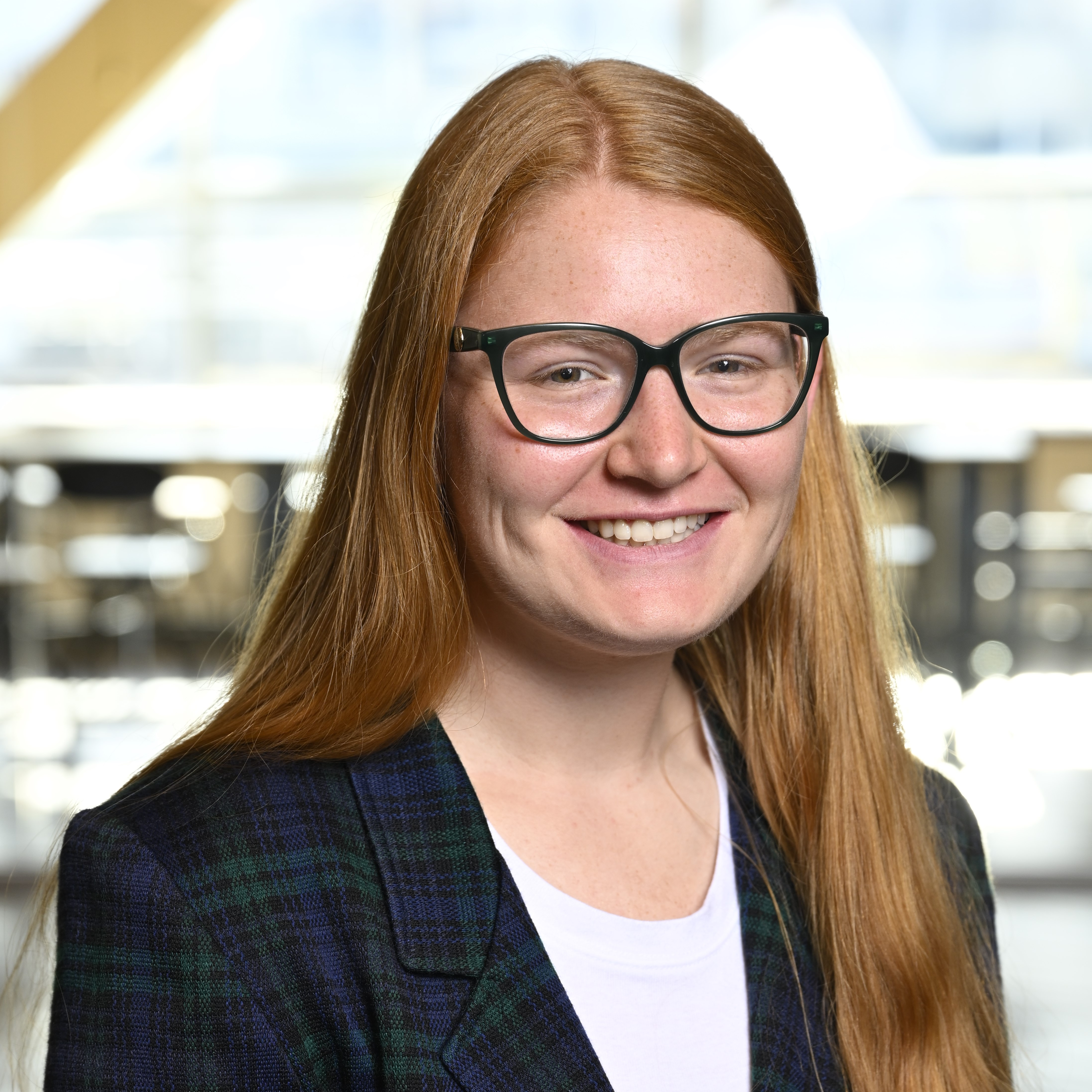
Bailey South Headshot

Bailey South

Title

Excepteur sint occaecat cupidatat non proident, sunt in culpa qui officia deserunt mollit anim id est laborum.

Firstname Lastname

Title

Excepteur sint occaecat cupidatat non proident, sunt in culpa qui officia deserunt mollit anim id est laborum.

Teacher talking with students

Firstname Lastname

Title

Stay Connected with the College of Creative Arts and Media
Update your contact information and sign up to receive news and event information from the WVU College of Creative Arts and Media.

Stay Connected